I almost wasted HubSpot AI credits. Here's what stopped me.
Most people who own business systems treat stakeholder requests like orders. Someone asks for a chatbot, you build a chatbot. Someone asks for a new workflow, you configure a new workflow. Visible responsiveness feels like good service, and most organizations reward it.
Unfortunately, fulfilling requests verbatim is one of the fastest ways to make a system worse. Every short-order response adds complexity. That complexity generates more requests, which generate more complexity, and the system never actually gets better. It just gets bigger.
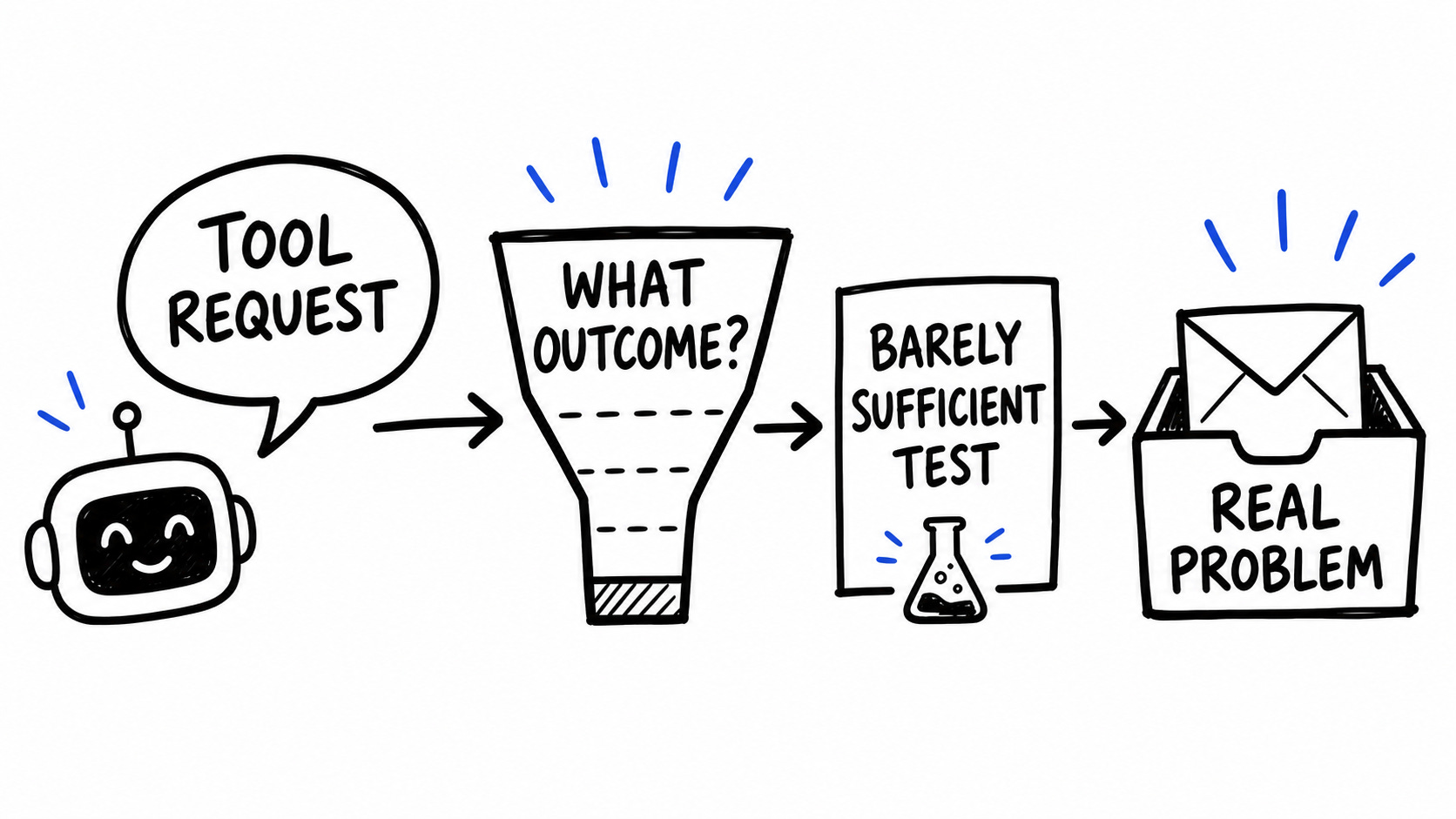
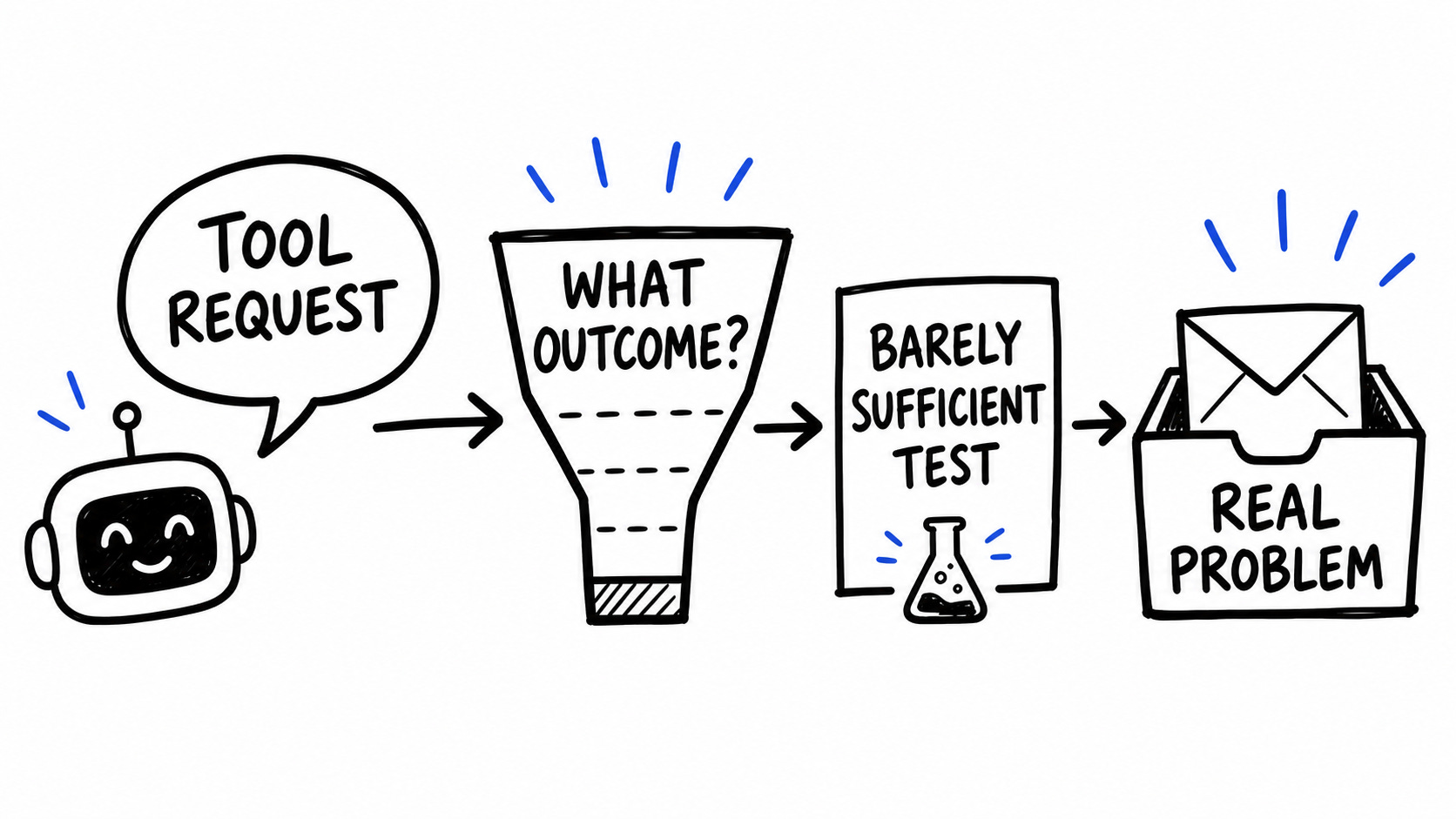
When you treat every tool request as a signal that something is broken, you break that cycle. Run it through a decision filter first. Start with the smallest possible experiment. Watch what people actually do. That sequence consistently leads to a better solution than the one the stakeholder originally requested.
Here’s a recent example of what that looks like in practice.
The sales center manager recently sent me an email
“We need an AI chatbot. Our team is spending too much time answering questions from potential customers, and it’s taking time away from processing deals.”
This team uses HubSpot to track its deals and manage its support inboxes. Every deal that comes through requires someone in the sales center to register the information in our suppliers’ systems. So the more time they spend answering questions from the sales inbox or over the phone, the less time they can spend registering deals. On the surface, the request made sense.
But I wondered whether people would actually use the chat—and whether it would be worth burning through HubSpot’s paid AI credits just to find out.
In this article, I’ll walk through that AI chatbot example and share some ways you can do the same.
A decision filter stops you from building the wrong thing
With most tool requests I get, the first question I have to answer is whether the request is even worth doing. “Worth doing” doesn’t mean “will this make someone’s day easier.” It means: will this make a meaningful difference for customers or move one of the business’s actual goals?
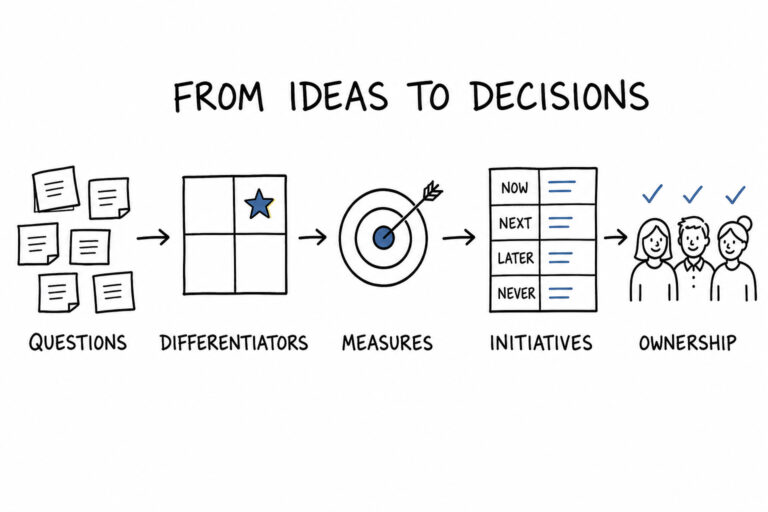
To sort that out, I use a simple decision filter: “Will this help us do X?” where X is a key outcome the business cares about. The desired outcome for the sales center was to sell more extended service plans. When I asked, “Will this help us sell more extended service plans?” the logic held. If the team spent less time answering repetitive questions and more time registering deals, we’d expect more plans sold. The request passed the decision filter, so it was worth exploring.
In other situations, the request doesn’t pass the filter cleanly, or at all. When that happens, I’ll tell the requester that it’s not something we can jump on right away, and then I’ll ask more questions.
I want to understand why they’re asking and whether there’s a real problem hiding underneath the tool choice. Often, that conversation surfaces a different problem we can solve that ties much more directly to the outcome than the original solution they requested.
Barely sufficient configuration answers the most expensive question first
Once I knew the request was worth pursuing, the next question was how to fulfill it. The sales center manager was effectively asking to turn on HubSpot’s Breeze Customer Agent—their AI chatbot capability—because our HubSpot customer success rep had highlighted it in a recent quarterly review.
The rep had every incentive to push the Customer Agent. It burns through AI usage credits quickly, which means more usage and, potentially, more overage charges. On paper, we had a decent number of credits each month, but I could see two uncomfortable scenarios: customers use the chatbot heavily and we blow through credits, or customers barely touch it and we’ve spent time configuring and training a chatbot that doesn’t actually get used.
Before I invested in the full configuration, I wanted to answer one simple question: will people use the chatbot at all? HubSpot gives you a few options:
-
A basic chatbot that routes conversations into a support inbox for human follow-up.
-
A chatbot that can give static answers from a pre-built knowledge base.
-
The AI Customer Agent, which tries to answer questions automatically and escalates to a human if needed.
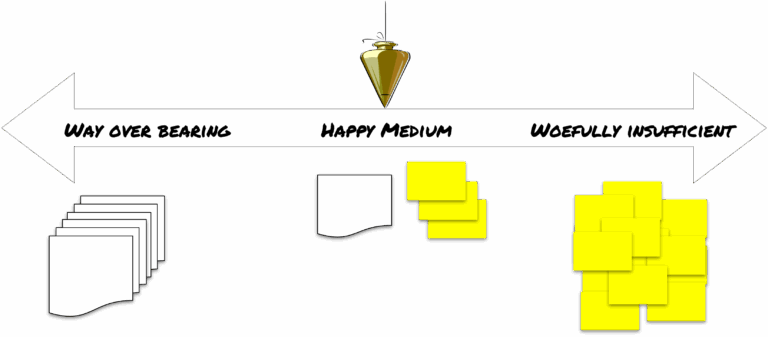
I chose the simplest option first—the chatbot that feeds into the support inbox with human interaction—as a barely sufficient experiment. It let us:
-
See whether people would actually click on and interact with the chat.
-
Capture the kinds of questions they asked, without committing to a full AI setup.
-
Avoid the upfront work of building and maintaining a detailed knowledge base before we knew if the chat channel would be meaningful at all.
That initial action gave the team some immediate relief and gave us data. If the interaction volume stayed low, we’d know a fully configured AI Customer Agent wasn’t the right solution. If the interaction volume was high and the questions were predictable, we’d have a strong case to invest in more advanced configuration.
If you find yourself in a similar situation, follow the same pattern. Pick a barely sufficient configuration that provides some relief and collects data about how people actually use the tool. Then let that behavior guide whether you deepen the solution, change direction, or pivot to a different solution entirely.
Actual behavior guides you better than the original request
After a month with the chatbot in place, the results were clear enough to act on.
Over four weeks, the chatbot logged 30 interactions. 90% of those questions were already answered in the existing FAQ content on the site — meaning the chatbot was handling volume that self-service should have handled, not the real load on the team. The chatbot was technically working, but it wasn’t meaningfully changing the overall load on the sales team.
The email inbox was handling roughly seven times the volume of the chatbot — and about 75% of those emails were general questions, not deal-specific ones, which meant they were candidates for the same knowledge-base treatment.
Customers weren’t looking for a new channel; they were using the email channel they already knew and trusted.
That’s when we realized the real answer wasn’t to add a chatbot. The best solution was to expedite answers in the channel customers already used. The request for an AI chatbot was a signal that the team was overwhelmed by questions, not proof that chat was the right solution. Observing the actual behavior led us to try a different approach. We decided to apply the knowledge base and AI functionality to the email inbox instead. We hope to use canned responses or AI-generated drafts to reduce the time the sales team spends answering common questions so they can get back to registering deals.
Was I irritated that focusing on the email channel didn’t occur to me sooner? Absolutely.
But that frustration is useful. It’s a reminder of how easy it is to be swayed by the specific tool someone asks for and forget to question whether their request is the best approach. It’s also a reminder to understand the systems you’re using well enough to know what capabilities exist, even when stakeholders don’t mention them.
The way to counteract that blinder effect is to stay in a mode of constantly questioning your intended actions and asking whether there’s a simpler, more elegant solution that better matches how people already work.
“My job is to fulfill requests” makes your systems worse over time
Chances are your default mode up to this point has been to act more like a short-order cook than a strategic partner. You get a request; you fulfill the order exactly in order to quell any griping.
Don’t beat yourself up. The first part of my career looked exactly like that. I learned how business systems worked, how to configure them, and nobody told me not to behave like a short-order cook. In fact, most of the people I worked for preferred it. They wanted visible responsiveness to user requests and rarely asked whether those requests were actually the right solutions.
The common objection to changing that pattern is:
I don’t have the standing to push back. My job is to fulfill requests, not question them.
When you treat tool requests as feedback, you’re not ignoring their request or refusing it. You’re saying, “I’m not ignoring your request. I’m trying to figure out what’s really going on so we can solve the problem you’re actually facing.” A small, outcome-focused experiment, like the simple chatbot deployment we started with, protects stakeholders from bigger, more expensive mistakes while still showing progress. Most managers and stakeholders, even directive ones, respond to that framing differently than they respond to pushback.
If your organization genuinely won’t tolerate any form of “let me investigate this before we build it,” that’s a different problem, one worth naming clearly rather than working around.
Another objection is:
We don’t have time for experiments. We just need to get this done.
In the sales center example, the real problem (which the manager correctly identified) was that staff spent too much time answering questions instead of registering deals. The HubSpot rep nudged the conversation toward the AI Customer Agent because it drove their AI credit usage, not because it was necessarily the best lever for that problem. Taking a moment to question that solution and pivot to email-based knowledge and AI support didn’t slow us down. It directed effort toward the channel that actually mattered. The experiment was smaller than a full chatbot rollout, but the impact was bigger.
Three things you can change before your next stakeholder request
If you take nothing else from this: the pattern holds whether you’re dealing with chatbots, CRM configurations, or a request to add seventeen new fields to a form.
Ask whether the request connects to an outcome the business actually cares about. If it does, find the smallest thing you can deploy that gives you real data before you commit to the full build. Then watch what people actually do — not what they said they wanted.
What you observe will tell you more than the original request ever did. I didn’t invent that sequence. I stumbled into it.
Every tool request is feedback about something that isn’t working. My job is to find that thing before I build anything.